The floating product effect is an AI video technique where a product levitates and slowly rotates against a styled backdrop, generated from a single photo with an image-to-video model like Kling 3.0 or Veo 3.1. You need one clean product shot, a levitation prompt, and about five minutes — no studio, no rigging, no After Effects.
It's currently the highest-mileage format in ecommerce feeds. Here's the full workflow, five copy-paste prompts, and the mistakes that ruin most first attempts.
What Is the Floating Product Effect?
It's a short clip — usually 5 to 10 seconds — where a product hovers mid-air, rotating gently while light shifts across its surface, often with small orbiting elements like water droplets, petals, or citrus slices. Everything except the levitation stays photorealistic, which is exactly why it stops the scroll.
The format took off on TikTok in ecommerce niches where the product's surface is the pitch: perfume glass, sneaker texture, skincare packaging. A slow rotation shows angles a static photo can't, and the impossible physics buys the two seconds of attention that decide whether anyone sees your offer.
Before AI video this took a levitation rig or 3D rendering; now it's an image-to-video job — the full pipeline is in our AI product video generator guide.
What Do You Need Before You Start?
One good product photo — that's the entire shot list. It should be sharp, evenly lit, shot straight-on or at a slight angle, with the full product visible and no fingers, props, or busy background competing with it. A plain backdrop helps but isn't mandatory.
Two things matter most:
- Resolution: feed the model the largest clean image you have. The video inherits the photo's detail; a compressed thumbnail becomes a mushy clip.
- Edges: if the product edge is soft or clipped, the model hallucinates the missing geometry during rotation. Reshoot rather than fight it.
You don't need a white-background cutout — models handle background replacement in the prompt.
How Do You Make a Floating Product Video Step by Step?
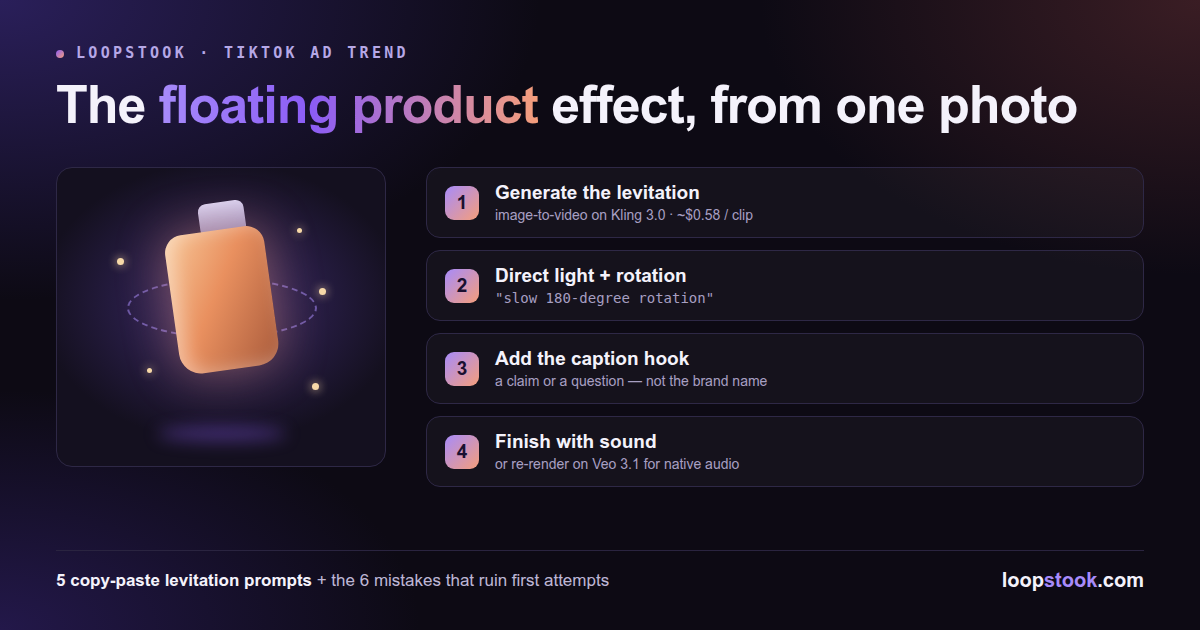
The workflow is four steps: generate the levitation from your photo, direct the light and rotation in the prompt, add the caption hook, then finish with sound. Draft on a cheap model, regenerate the winner on a premium one — that discipline keeps the whole test under a few dollars.
- Generate the levitation. Upload your product photo to an image-to-video model and use one of the prompts below. Kling 3.0 is the sweet spot for this effect — its motion quality keeps rotation smooth instead of wobbly, at about $0.58 per 5-second 720p clip on LoopStook.
- Direct lighting and rotation. Always specify rotation speed ("slow 180-degree rotation") and a light behavior ("a warm light sweeps across the glass"). Unprompted, models default to either a static hover or chaotic spinning.
- Add the caption hook. Overlay one line in the first frame — a claim or a question, not the brand name. The rotation holds attention; the caption converts it.
- Finish with sound. Add a low whoosh or ambient hum — or skip sound design by regenerating your final take on Veo 3.1 (about $3.31 per clip, Pro plan and up), which generates synchronized native audio in the same pass.
For product pages and email, convert the finished clip with a free MP4 to GIF converter so the loop autoplays everywhere video embeds can't.
5 Copy-Paste Floating Product Prompts
Each prompt assumes you've uploaded a product photo and the model supports image-to-video. Swap the scene details to match your brand palette; keep the rotation and lighting instructions intact.
1. Perfume bottle
The perfume bottle from this image levitates slowly upward and rotates 180 degrees, suspended mid-air in a dark studio. A warm golden light sweeps across the glass as it turns, catching facets and the liquid inside. Fine golden mist particles drift around it. Slow, elegant motion, shallow depth of field, luxury commercial style.
2. Sneaker
The sneaker from this image floats and rotates slowly against a concrete wall at dusk. Cool blue rim light on one side, warm streetlight glow on the other, shifting as it turns. Dust particles hang in the light beams. Dynamic but smooth camera drift, streetwear commercial energy.
3. Skincare jar
The skincare jar from this image hovers above a calm water surface, rotating gently. Soft morning light moves across the lid, water droplets rise slowly around the jar and orbit it. Clean pastel background, dewy fresh atmosphere, minimal spa commercial style.
4. Beverage can
The beverage can from this image floats and spins slowly, condensation droplets flying off in slow motion. Splashes of the drink arc around the can without touching it. Bold color-matched studio background, punchy high-contrast lighting that glints off the aluminum as it rotates.
5. Watch
The watch from this image levitates over a black marble surface, rotating slowly to show the dial and the strap. A single cool spotlight sweeps across the watch face, flaring briefly on the crystal. Subtle reflections on the marble below, dark premium atmosphere, macro cinematic detail.
What Are the Most Common Mistakes?
Most failed attempts trace back to the same six errors: weak source photos, unprompted rotation, over-stuffed scenes, overlong clips, missing sound, and captions that say nothing. Each has a direct fix — run the table below as a checklist before you regenerate a disappointing result.
| Mistake |
What it looks like |
Fix |
| Low-res source photo |
Mushy label text, smeared edges |
Use the largest clean photo you have |
| No rotation instruction |
Static hover or erratic spinning |
Specify "slow 180-degree rotation" |
| Too many orbiting elements |
Product lost in droplets and petals |
One accent element, max |
| Clip too long |
Motion drifts and warps after ~5s |
Generate 5s, loop it in the edit |
| Silent final video |
Feels unfinished, gets scrolled |
Add a whoosh/ambience, or use native-audio Veo 3.1 |
| Brand-name-only caption |
No reason to keep watching |
Lead with a claim or question |
How Much Does a Floating Product Ad Cost?
On LoopStook's launch pricing, a 5-second 720p draft on Kling 3.0 runs about $0.58, and a final native-audio take on Veo 3.1 about $3.31 — so a full test cycle of several drafts plus one premium final stays in single digits.
That's the real unlock: you can test three scenes per product instead of betting a production budget on one. The Starter plan ($14/mo, 10,000 credits) covers drafting; Veo 3.1 requires Pro ($29/mo, 25,000 credits) or above. See the pricing page for full plan detail.
Make Your First One Now
Grab your best product photo, paste the matching prompt above into Kling 3.0 on LoopStook, and you'll have a scroll-stopping ad draft in minutes. Models, editor, and converters live under one subscription in the AI product video generator. Start free at loopstook.com — trial credits, no card required.