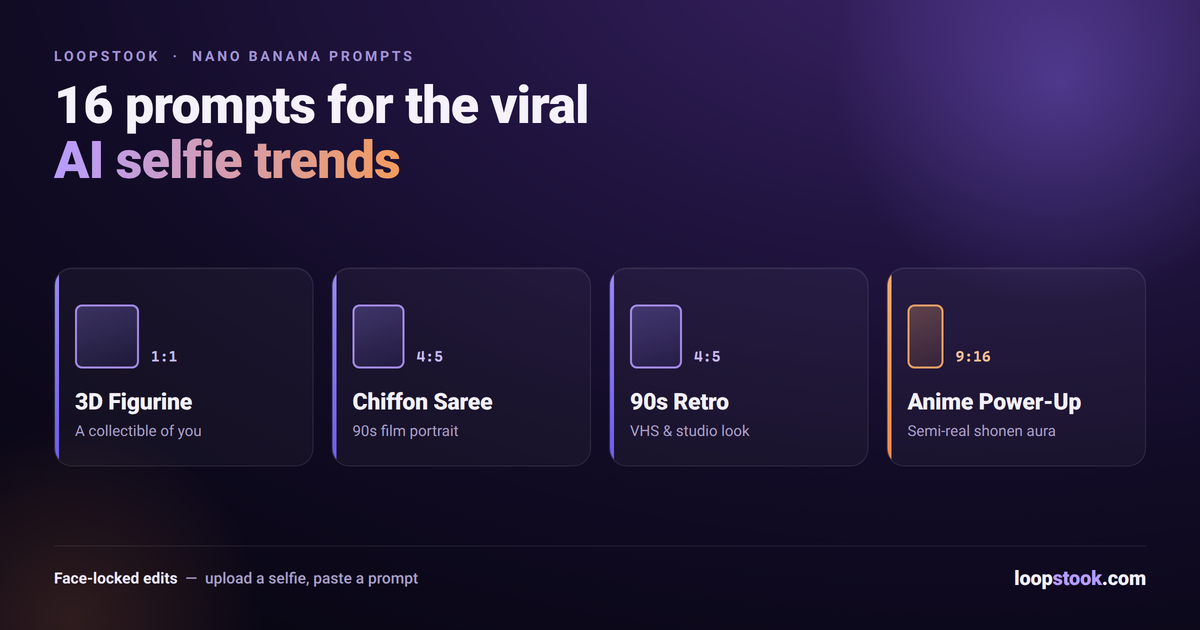
Nano banana prompts are text instructions you pair with a selfie in Google's Nano Banana image model to generate viral edits — 3D collectible figurines, vintage chiffon saree portraits, 90s Bollywood retro looks, and anime power-ups. The model's strength is identity preservation: your face survives the transformation. Below are 16 copy-paste prompts, plus tips for face match, lighting, and aspect ratios.
Every few weeks a new Nano Banana format floods Instagram, and the difference between a scroll-past result and a save-worthy one is almost entirely the prompt. This library covers the four trends dominating feeds, with prompts you can paste as-is or tweak.
What Is Nano Banana and Why Did It Take Over Instagram?
Nano Banana is the community nickname for Google's Gemini-family image model, and it went viral because it edits your photo instead of generating a stranger. Upload a selfie, describe a transformation, and it keeps your actual facial features while restyling everything else — which is exactly what selfie-edit trends need.
That identity preservation is why the figurine trend exploded: the output looks like a real product photo of a collectible of you, not a generic toy that's 80% right and 100% uncanny.
You don't need a Google account workaround to use it. LoopStook runs Nano Banana Pro in the browser at roughly $0.26 per image, alongside GPT Image 2 if you want a cheaper second opinion — see the full Nano Banana vs GPT Image comparison for when to use which.
How Do You Write the 3D Figurine Prompt?
The figurine formula is: state the scale ("1/7 scale commercial figurine"), place it in a realistic scene (a desk), and add production details — packaging box, acrylic base, a computer screen showing the sculpting process. Those grounding details are what make the render read as a real product photo rather than a 3D cartoon.
1. The classic desk figurine
Create a 1/7 scale commercial figurine of the person in this photo, placed on a computer desk. The figurine stands on a round transparent acrylic base. Behind it, a monitor shows the 3D sculpting process of this same figurine in modeling software. Next to it, a toy packaging box printed with the figurine's artwork. Realistic indoor lighting, shallow depth of field, product photography style. Preserve the exact facial features of the person.
2. Boxed collectible with blister packaging
Turn the person in this photo into a collectible action figure sealed in retro blister packaging. Clear plastic bubble over the figure, cardboard backing with bold character artwork, the person's name as the toy line title, and small accessory compartments holding a phone, coffee cup, and laptop. Hung on a store peg wall among other toys. Bright retail lighting, photorealistic. Keep the face identical to the photo.
3. Museum display case
A 1/7 scale hyper-detailed figurine of the person in this photo displayed inside a glass museum case with a small brass plaque below it. Warm spotlight from above, subtle reflections on the glass, dark gallery background. Collector-grade paint finish with visible fine texture on the clothing. Preserve the person's exact facial features and hairstyle.
4. Artisan workbench
The person from this photo as a partially painted resin garage-kit figurine standing on a hobbyist's workbench, surrounded by paint pots, fine brushes, and sculpting tools. One arm is still unpainted grey resin. Soft daylight from a nearby window, macro photography detail. Face must match the reference photo exactly.
How Do You Get the Vintage Chiffon Saree Portrait?
The saree trend runs on three ingredients: a flowing chiffon saree, golden-hour or moody cinematic light, and 90s film grain. Prompt for a specific saree color, a specific light source, and "vintage film still" framing — the model handles drape and fabric physics surprisingly well when the scene is concrete.
5. Golden-hour chiffon classic
Transform the person in this photo into a 90s Bollywood-style portrait wearing a flowing golden-yellow chiffon saree, standing in a mustard field at golden hour. Wind lifting the saree pallu, soft backlight creating a halo effect, gentle film grain, vintage cinematic color grading. Preserve the exact facial features from the photo.
6. Rainy-window blue saree
Cinematic vintage portrait of the person in this photo in a deep blue chiffon saree, gazing out a rain-streaked window at dusk. Moody teal-and-amber grade, soft window light on the face, 90s romance-film aesthetic with subtle grain. Keep the face true to the reference photo.
7. Retro studio poster
The person from this photo styled as a 1970s Bollywood studio portrait in a red silk saree with gold border, matte painted backdrop, dramatic key light from the left, hand-tinted poster color style with slight halation around highlights. Face identical to the uploaded photo.
8. Garden marigold retro
A nostalgic film photograph of the person in this photo wearing a white chiffon saree with marigold garlands in the background, soft afternoon sun through trees, Kodak-style warm film tones, light grain, 90s album-cover framing. Preserve exact facial features.
What Prompts Create the 90s Retro Portrait Look?
For the broader 90s retro trend, prompt the medium — VHS still, film negative, studio portrait with painted backdrop — not just the decade. Naming the format gives Nano Banana concrete texture, color, and framing cues, which is why "scanned 90s studio photo" outperforms a vague "make it look retro."
9. Painted-backdrop studio portrait
Recreate the person in this photo as a 1990s Indian photo-studio portrait: airbrushed blue-and-pink painted backdrop, slight vignette, direct flash lighting, glossy print texture with faint scratches, subject looking just off-camera. Keep the face exactly as in the reference.
10. VHS freeze-frame
A VHS freeze-frame of the person in this photo hosting a 90s TV music show: scan lines, chromatic aberration at the edges, timestamp in the corner, saturated primary-color outfit, studio stage lighting. Face must match the photo.
11. Retro cassette cover
Design a 90s audio-cassette cover featuring the person from this photo as the album artist: bold geometric background shapes, grainy halftone print texture, retro typography space at the top, confident three-quarter pose. Preserve the person's real facial features.
12. Scanned film negative
The person in this photo as a scanned 35mm film photograph from 1994: candid street pose, slightly overexposed sky, warm faded colors, dust specks and a thin film border with frame numbers. Exact face match to the reference photo.
How Do You Do the Anime Power-Up Edit?
The anime power-up format keeps your real face semi-realistic while the scene goes full shonen: glowing aura, energy particles, dramatic sky. Prompt the energy effect, the camera angle, and the art style separately — "semi-realistic anime" avoids the full cartoon conversion that loses your likeness.
13. Shonen aura
Transform the person in this photo into a semi-realistic anime hero mid power-up: crackling golden aura, hair lifting upward, glowing eyes, debris floating around them, dramatic low-angle shot against a storm sky. Keep facial features recognizably matching the photo.
14. Magical transformation
The person from this photo mid magical-girl transformation sequence: ribbons of pink and silver light spiraling around them, sparkling particle effects, pastel nebula background, dynamic anime key-frame style with clean line art. Face should stay true to the reference.
15. Cyber-mecha pilot
Semi-realistic anime edit of the person in this photo as a mecha pilot inside a glowing cockpit: holographic HUD reflections on the face, neon blue interior lighting, determined expression, cinematic close-up. Preserve exact facial structure from the photo.
16. Soft slice-of-life anime
The person in this photo as a gentle hand-painted anime film character: standing on a hillside with wind-blown grass, big cumulus clouds, warm watercolor palette, soft outlines. Keep the facial features clearly recognizable from the reference photo.
How Do You Keep the Face Accurate?
Face match starts with the input: use a sharp, front-facing, evenly lit selfie with no heavy filters, and end every prompt with an explicit instruction like "preserve the exact facial features of the person in this photo." Generate two or three variations and keep the best — likeness varies between runs.
A few more practical settings:
- Lighting. Name one light source per prompt (window light, golden hour, studio spotlight). Competing light instructions cause plasticky skin.
- Aspect ratio. Match the ratio to where you'll post it — don't crop a square render into a story.
- File size. Nano Banana Pro outputs are large; run them through a free image compressor before posting so Instagram's own compression doesn't smear the detail.
| Trend |
Best aspect ratio |
Lighting to ask for |
| 3D figurine |
1:1 or 4:5 |
Realistic indoor / product lighting |
| Chiffon saree |
4:5 or 9:16 |
Golden-hour backlight |
| 90s retro |
4:5 |
Direct flash or studio key light |
| Anime power-up |
9:16 |
Glowing aura as the key light |
Try These Prompts Yourself
Paste any prompt above into Nano Banana Pro on LoopStook, upload a clean selfie, and you'll have a post-ready edit in under a minute. The same subscription covers the full creative suite — image, video, and audio models in one place. Start free at loopstook.com — trial credits included, no card required.